

Introduction
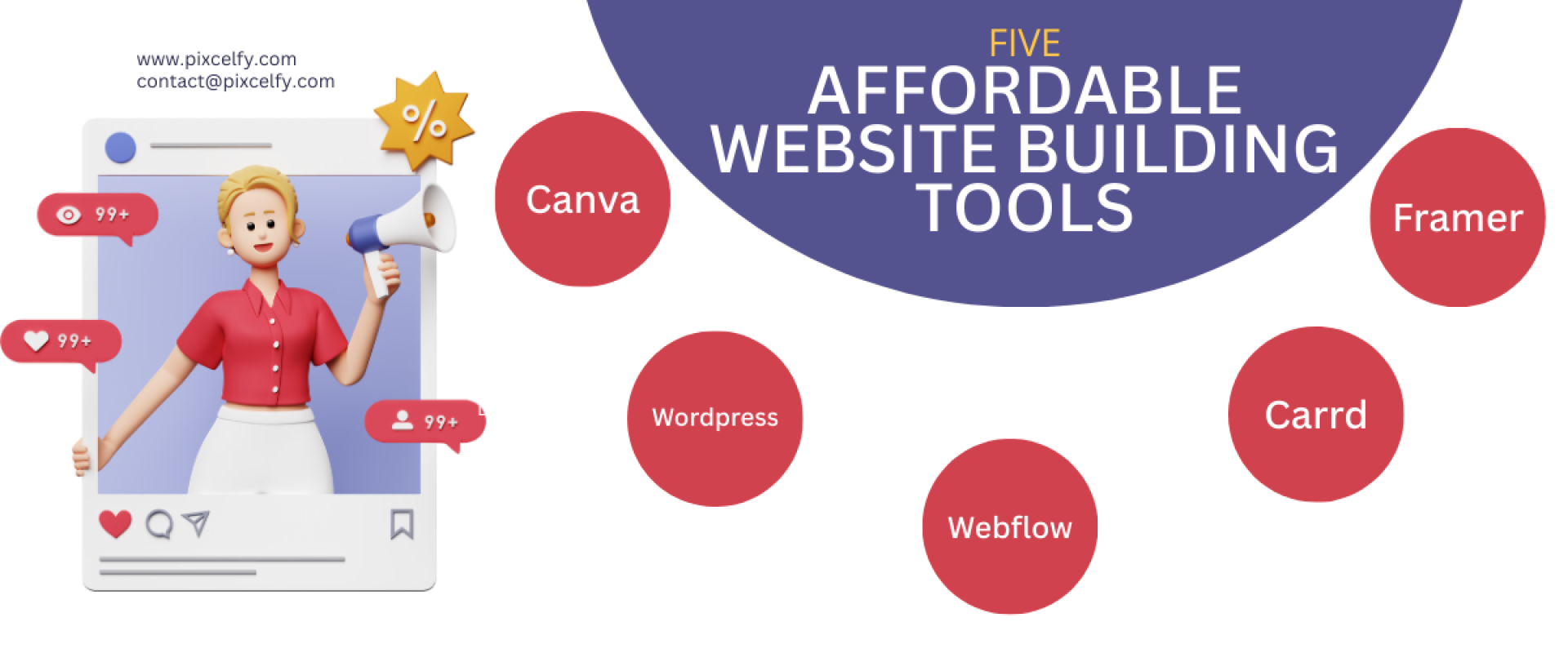
Building a professional-looking website doesn’t have to cost a fortune. Whether you’re a freelancer, small business owner, or content creator, there are powerful and affordable website building tools out there that can help you launch your dream site on a budget. At www.pixcelfy.com, we love finding creative solutions that don’t break the bank, and in this post, we’ll explore five brilliant platforms—Canva, WordPress, Webflow, Carrd, and Framer—that help you design a stunning, functional website affordably.
1. Canva: Design Made Effortless
Overview
Canva isn’t just for social media graphics—it’s an underrated powerhouse for website design. With its user-friendly drag-and-drop interface and pre-designed templates, Canva lets you build single-page websites and landing pages in minutes.
Key Features
- Free and Pro plans
- No coding required
- Mobile-responsive templates
- Canva Sites for simple portfolios and resumes
- Collaboration and brand kit tools
Ideal For
Creative professionals, portfolios, landing pages, and quick one-pagers.
Pricing
- Free Plan: Great for basic use
- Pro Plan: $12.99/month with additional features and assets
Why It’s One of the Best Affordable Website Building Tools
You can design and publish a basic site with zero investment—perfect for getting online quickly.
2. WordPress: The Gold Standard in Flexibility
Overview
Powering over 40% of the internet, WordPress is an open-source platform that lets you create anything from a blog to an eCommerce site. Paired with a solid theme and the right plugins, it’s one of the most affordable website building tools available today.
Key Features
- Free and self-hosted
- Thousands of themes and plugins
- SEO-friendly architecture
- Massive global community
- WooCommerce integration
Ideal For
Bloggers, business owners, online stores, nonprofits.
Pricing
- WordPress.org: Free (requires hosting like Bluehost or SiteGround)
- Hosting: ~$3–10/month
Why It’s One of the Best Affordable Website Building Tools
You have total control over your website’s look and functionality, all while keeping costs low.
3. Webflow: Design Power Meets Functionality
Overview
Webflow brings the best of both worlds: the freedom of design with no code, plus the power of CMS and advanced animations. While not the cheapest on this list, its flexibility and polish make it worth every penny.
Key Features
- Drag-and-drop interface
- CMS for blogs and dynamic content
- Built-in SEO tools
- Hosting included
- Responsive design control
Ideal For
Designers, agencies, startups, and tech-savvy creatives.
Pricing
- Starter: Free with Webflow subdomain
- Basic: $14/month (billed yearly)
- CMS: $23/month (billed yearly)
Why It’s One of the Best Affordable Website Building Tools
It’s ideal for creators who want pro-level design without hiring a developer.
4. Carrd: Minimalism Meets Effectiveness
Overview
Carrd is perhaps the most minimal yet mighty tool in this list. Perfect for one-page websites, it’s intuitive, fast, and extremely cost-effective.
Key Features
- One-page website builder
- Super fast and mobile-friendly
- Embed custom code and forms
- Multiple templates for different niches
Ideal For
Personal bios, landing pages, link-in-bio tools, digital portfolios
Pricing
- Free Plan: Basic one-pagers
- Pro Plan: $9/year (yes, per year!)
Why It’s One of the Best Affordable Website Building Tools
With a premium plan that’s less than $1/month, Carrd is a no-brainer for simple online presence.
5. Framer: Pixel-Perfect Sites for Creatives
Overview
Framer is a tool that blends design and development seamlessly. Think of it as Figma meets Webflow. If you love sleek interactions, beautiful animations, and creative control, Framer might be your next favorite platform.
Key Features
- Drag-and-drop canvas
- Free hosting
- Collaboration-friendly
- Custom animations and interactions
- Built-in CMS support
Ideal For
Creatives, design studios, interactive portfolios
Pricing
- Free Plan: With Framer branding
- Pro Plan: $5–20/month depending on features
Why It’s One of the Best Affordable Website Building Tools
Framer lets you create a premium-looking website with minimal setup—great for creatives who care about experience.
Bonus: How to Choose the Right Tool for You
Each platform has its unique strengths. Here’s a quick guide:
| Use Case | Best Tool |
|---|---|
| Simple Landing Page | Carrd or Canva |
| Blog or Store | WordPress |
| Portfolio or Resume | Framer or Webflow |
| Multi-page Business Site | Webflow or WordPress |
Think about your goals, tech comfort level, and design needs when picking the right one.
SEO Tips to Maximize Your Site’s Potential
Once your site is live, remember these quick tips:
- Use alt text on all images
- Add meta descriptions
- Target long-tail keywords
- Speed optimize your images
- Ensure mobile responsiveness
Affordable website building tools work best when paired with strong SEO foundations.
Final Thoughts: Affordable Tools, Premium Results
In 2025, there’s no excuse for a bland website—even on a budget. These five affordable website building tools—Canva, WordPress, Webflow, Carrd, and Framer—offer something for everyone. Whether you’re just getting started or looking to upgrade your online presence, there’s a tool that matches your budget and creative style.
At Pixcelfy, we believe that bold ideas deserve a bold platform. With tools like these, you don’t need to sacrifice style for cost. Build beautifully. Spend smart.
Call to Action
Ready to build your dream site? Subscribe to our newsletter for more resources and download your FREE Website Starter Checklist to get started today!
Need help choosing a tool or designing your brand? Email Us at contact@pixcelfy.com — we’d love to help bring your vision to life.
Pixcelfy.com — Where creativity meets code.